

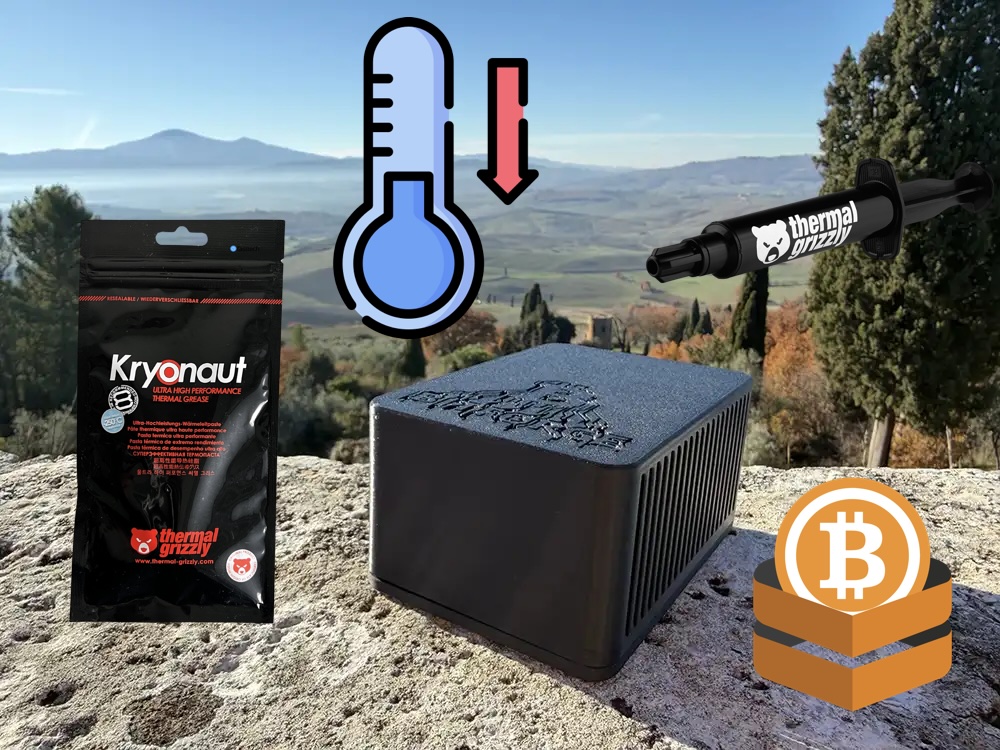
The BitForge Nano is our flagship home mining device. Two BM1370 ASIC chips sit on the main board, covered by a large heatsink and kept in check by a pair of fans. Between the chips and the heatsink sits thermal paste, a composite material that transfers heat away from the chips and into the heatsink. From there, the fans do the rest.
The paste comes pre-applied from the factory. But that doesn’t mean it lasts forever.
👉 Get the Bitforge Nano with BTC or Fiat on the DTV Electronics Store (Worldwide) 🌍
👉 Get the Bitforge Nano with Fiat on Amazon (Worldwide) 🌍
Why You Should Replace It
If your Nano was shipped by air, there’s a decent chance the paste shifted in transit. Pressure changes and handling aren’t exactly gentle. So checking the paste when you first unbox the device isn’t a bad idea at all.
Beyond that, thermal paste dries out over time. It loses conductivity. When that happens, your temperatures start creeping up, your fans spin harder, and your efficiency takes a hit. If you notice temps running hotter than usual, this is one of the first things to check.
The fix is simple. Clean off the old paste with isopropyl alcohol, apply a fresh thin layer, and reassemble. That’s really it.
Not A Reader? Watch The Video Instead
We put together a short walkthrough that covers the whole process in under 10 minutes. It’s all down below if you’d rather follow along visually.
What You’ll Need
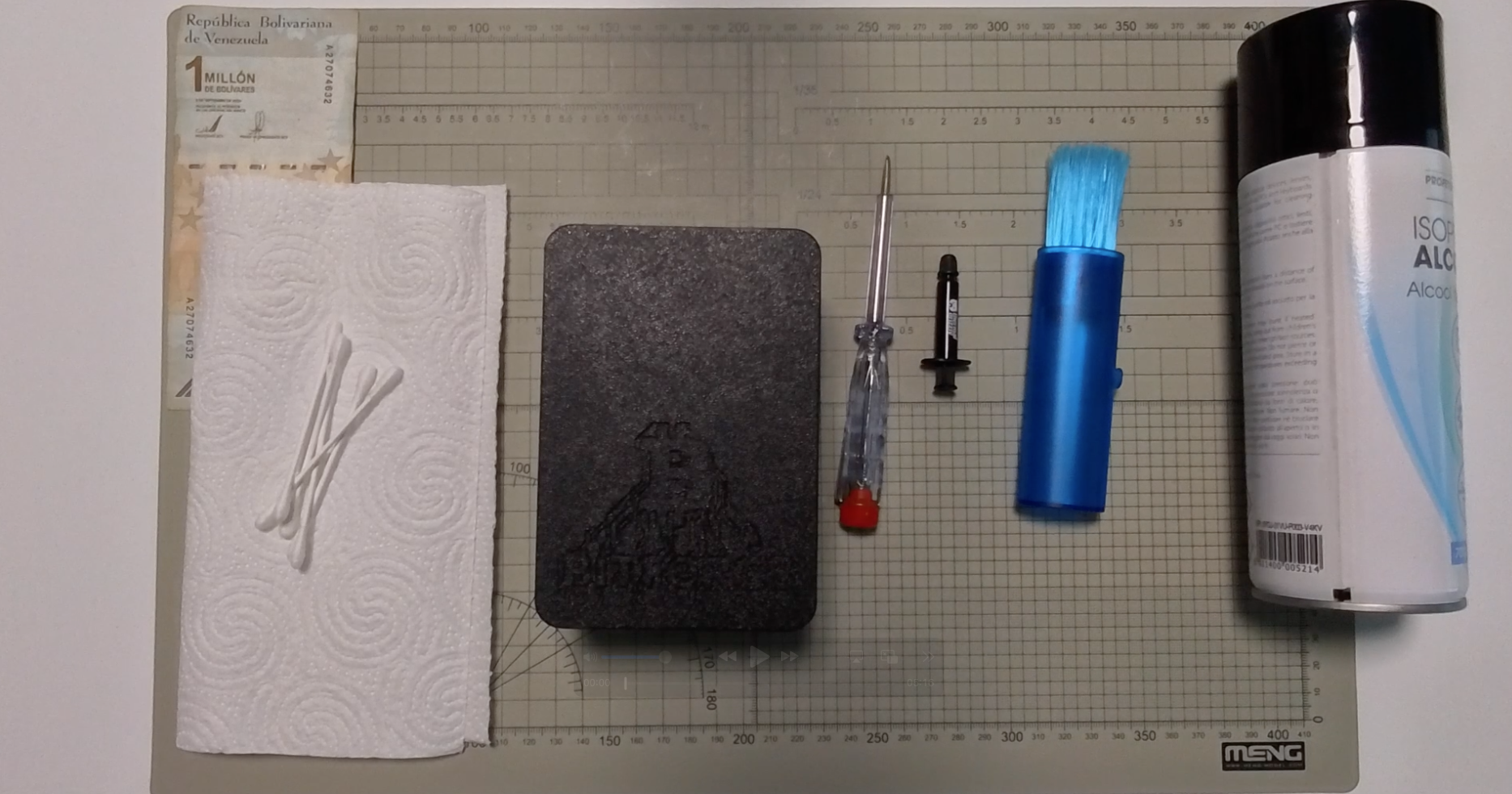
Before getting started, grab these:
- A BitForge Nano
- Fresh thermal paste
- A thermal paste spatula (usually included with the paste)
- A screwdriver
Step 1: Power Down And Let It Cool
Unplug your BitForge Nano completely. Then leave it alone for about half an hour. The chips and heatsink need to reach room temperature before you touch them. Don’t skip this part.
Step 2: Open The Case
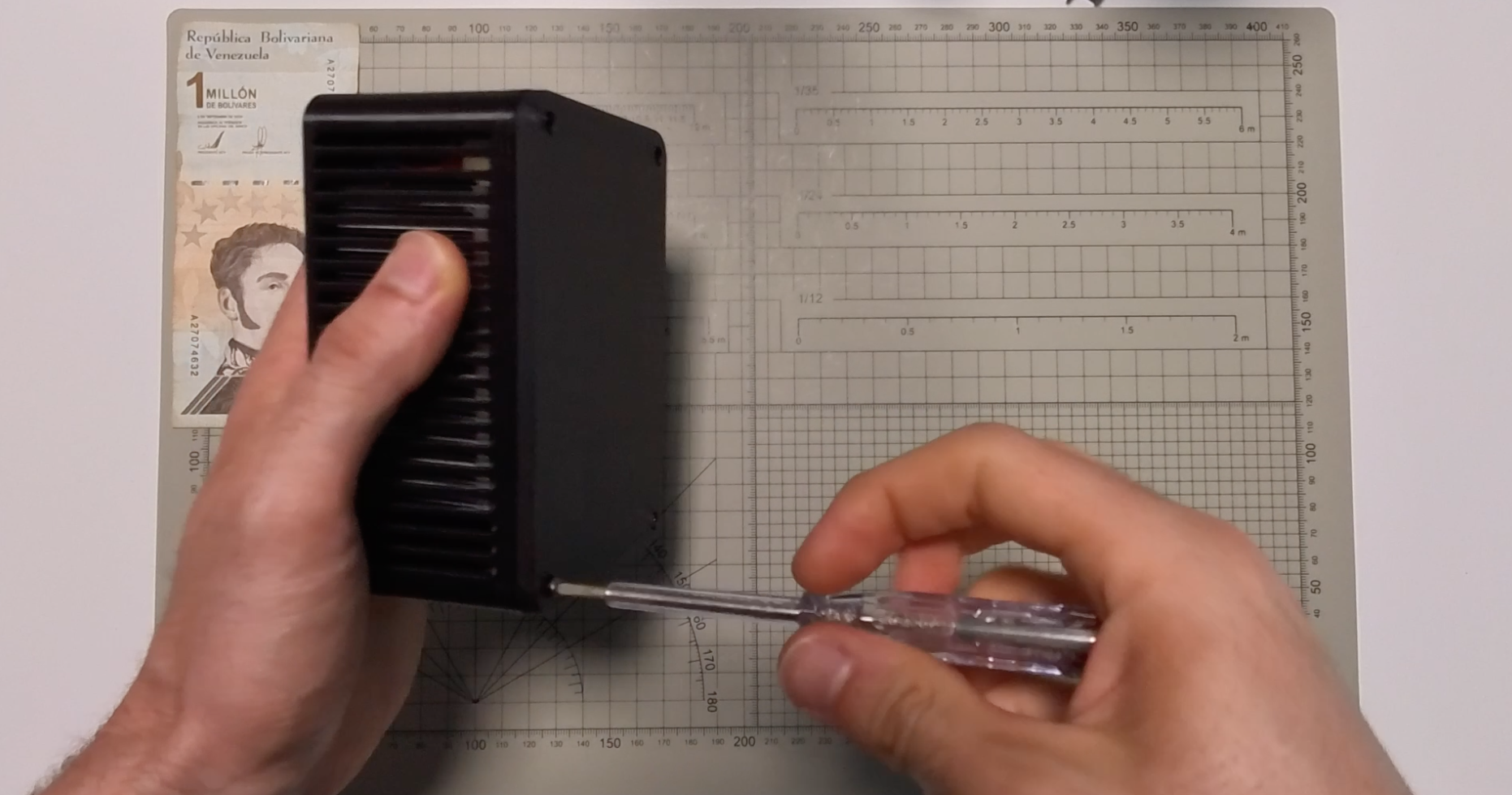
Flip the unit over. Remove the four rubber feet first. Underneath those, you’ll find four screws holding the case together. Take those out and set the case aside.
Step 3: Disconnect The Fans
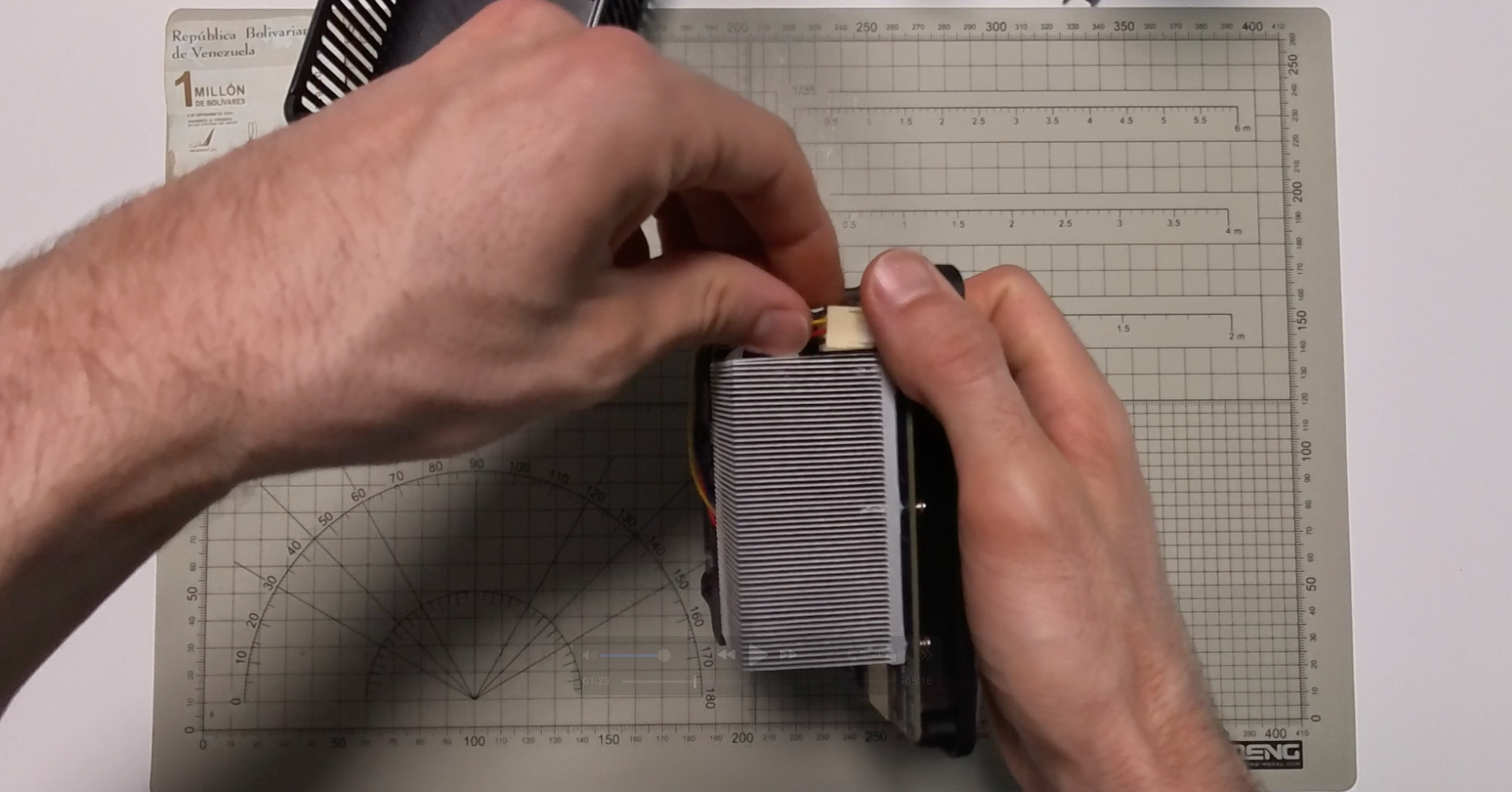
The two fans are held in place with screws. Remove those, then carefully unplug each fan connector. Go slow here. The connectors aren’t fragile, but there’s no reason to be rough.
Step 4: Remove The Heatsink
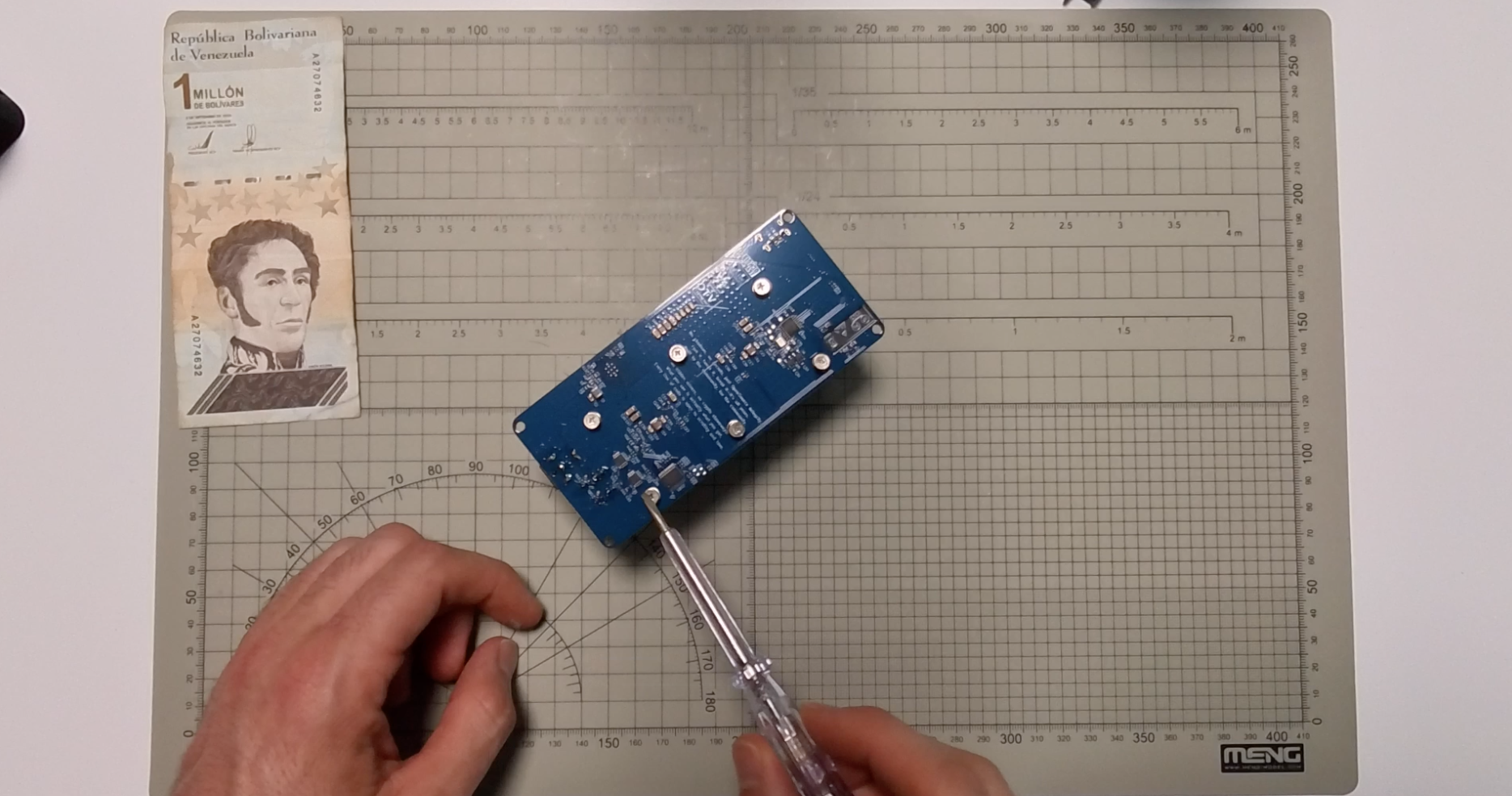
The heatsink attaches to the board via spring-loaded pins. Unscrew the clips from the back side of the board, gently, until the heatsink releases. It should pop free without much force.
Step 5: Clean Off The Old Paste
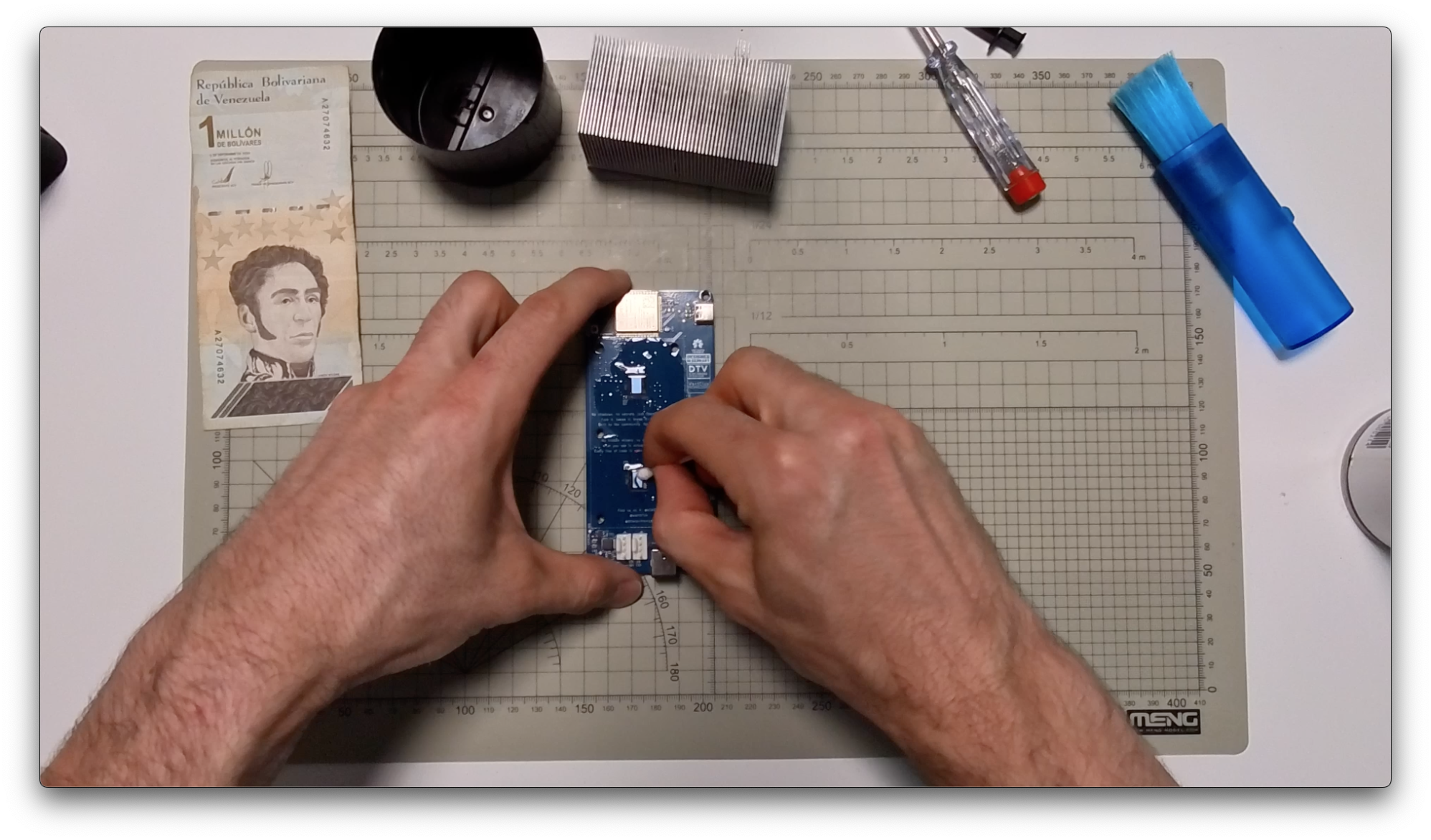
This is the messy part, but it’s quick. Dab some isopropyl alcohol on a cotton swab and clean the old paste off the heatsink contact surface. Then do the same for each chip. Take your time. Both surfaces should look clean and uniform before you move on.
Step 6: Apply Fresh Paste
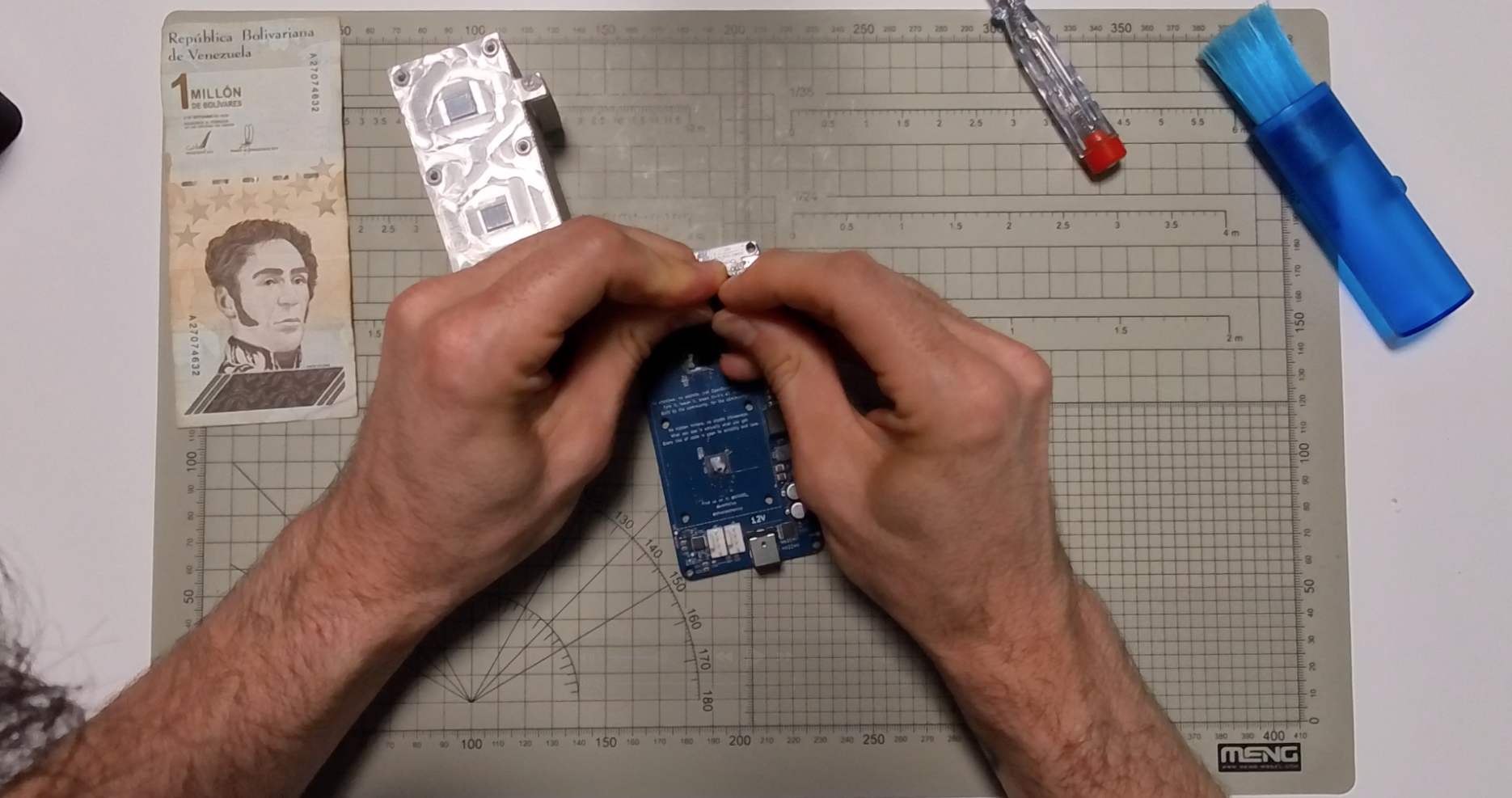
Put a small dab of new paste on each chip. Use the spatula to spread it into a thin, even layer. You really don’t need much. A thin coat covering the chip surface is all it takes. More paste is not better paste.
While you’re at it, give the heatsink fins a quick brush to clear out any dust that built up in there.
Step 7: Reassemble
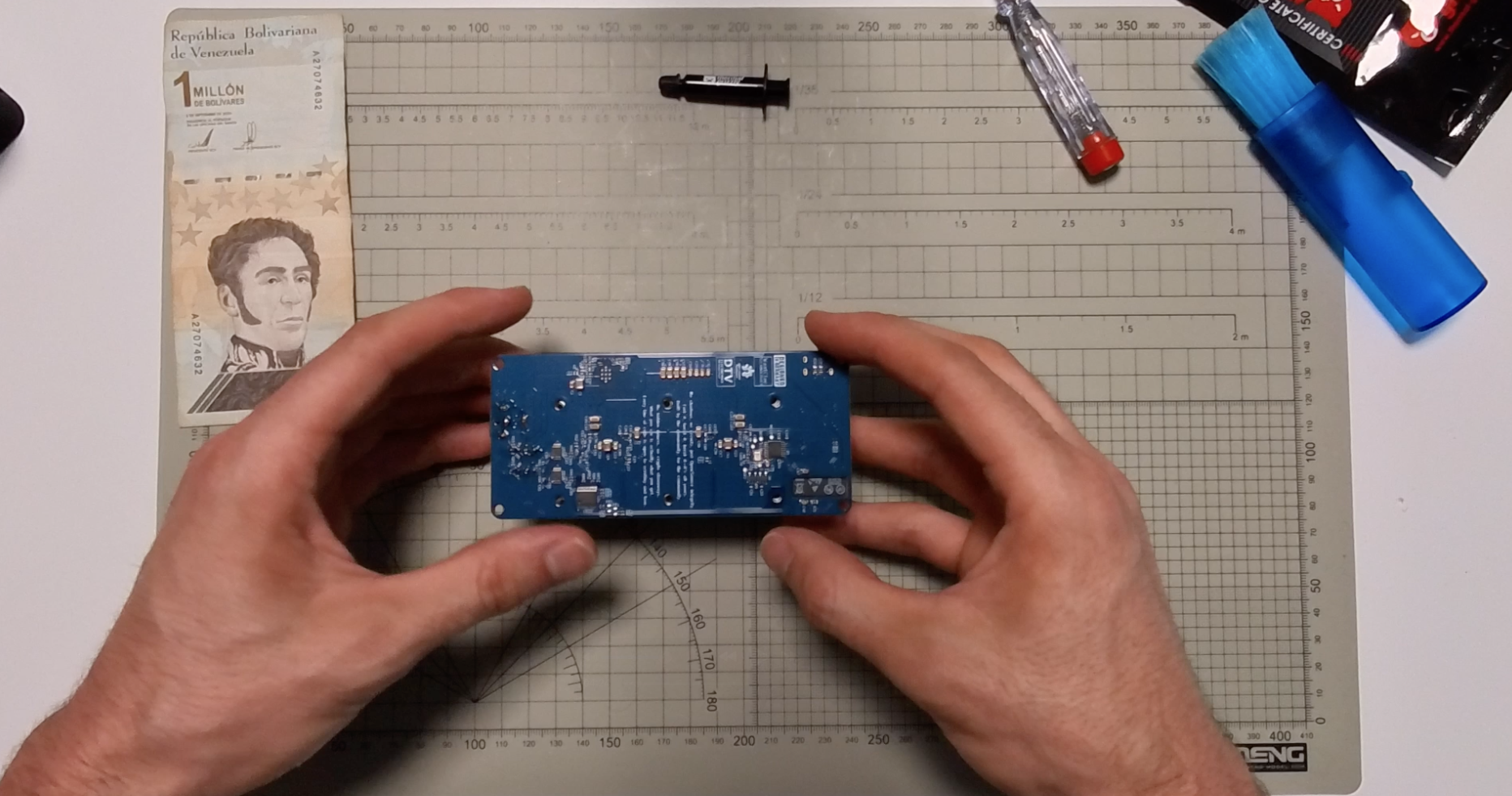
Reattach the heatsink and make sure those spring clips snap back into place properly. Reconnect the fan connectors, screw the fans back in, then put the case back together by reversing what you did earlier.
Did It Work?
Power the Nano back up and check your temperatures. In our test run shown in the video, the ASIC temperature dropped from 60.4°C to 54.3°C. The voltage regulator also came down slightly. Fan speed went from around 9,300 RPM down to about 7,300 RPM.
Cooler, quieter, more efficient. All from a paste swap that takes less than 15 minutes.
Final Thoughts
This is one of those maintenance tasks that’s easy to overlook but makes a real difference. If your BitForge Nano is running warmer than it should, fresh thermal paste is one of the cheapest and most effective fixes you can make.
You can order a BitForge Nano directly from the DTV Electronics store using Bitcoin, or through Amazon if you prefer a more traditional checkout. Links are below.
Until next time, happy solo mining.
Additional info
The Nano ships with stock fans, so you will need to purchase the Noctua fans separately. You can find the Nano at dtvelectronics.com, where they offer a 5% discount for Bitcoin payments.
👉 Get the Bitforge Nano with BTC or Fiat on the DTV Electronics Store (Worldwide) 🌍
